Showing posts with label classes. Show all posts
Showing posts with label classes. Show all posts

This video walks you through installing Silhouette Studio Version 3 for Windows and setting up the grid marks.
Next in the Getting Started Series is BASIC SHAPES
Next in the Getting Started Series is BASIC SHAPES

Once you have decided to buy or have bought a Silhouette Cameo, what should you do?
This video explains what you should think about before you start working with your new cutter.
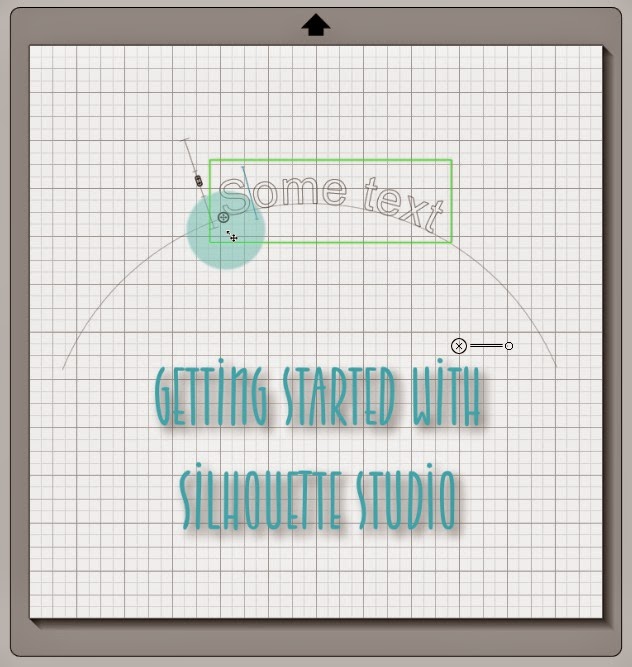
I have officially launched my Silhouette Studio classes.
The classes start with the basics of what you should think about at the very beginning. How do you want to use your Silhouette? Do you hope to start your own small business? Do you want to make layouts and cards? Do you hope to make your own designs and sell them?
I will show you how to install the software, how to set up defaults and preferences, and then bit by bit, we will go through the basic steps and I will teach you what you need as we move ahead to more advanced projects. I will repeat steps so that you really understand what I am showing you.
All of the classes and tutorials will be FREE on my YouTube channel, but this Getting Started series will be organized and numbered so you will know exactly what you should watch next in order of complexity.
More videos will be added to the series regularly, in addition to many new tutorials.